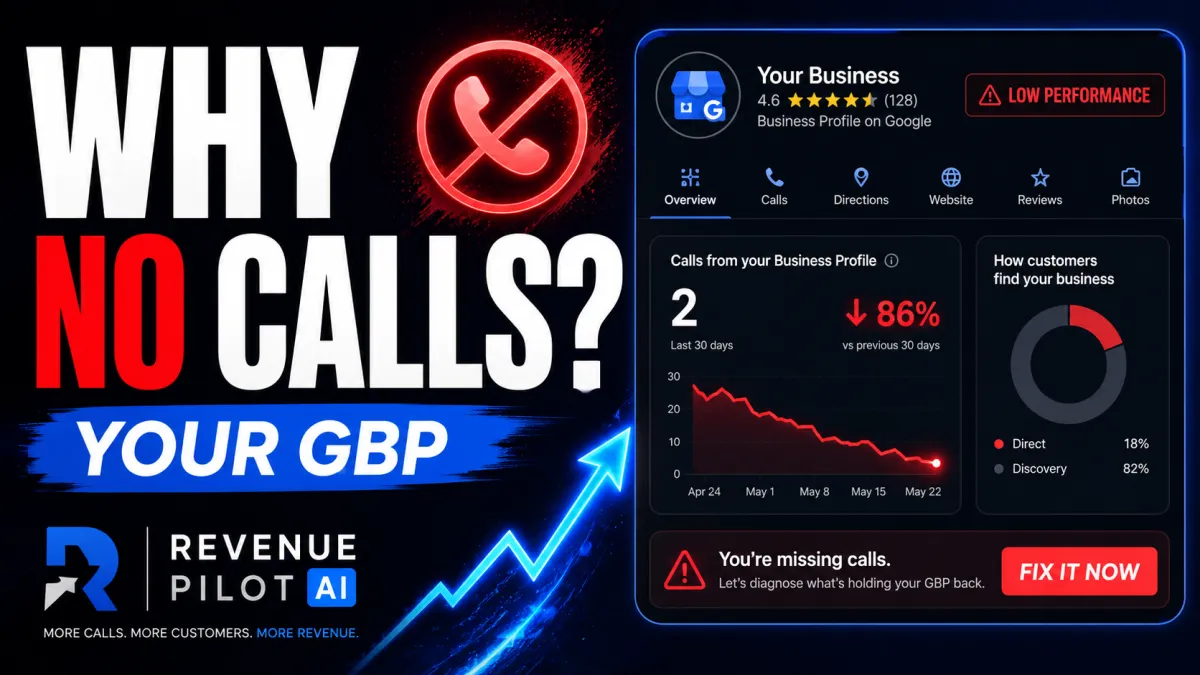
Why Your Google Business Profile Isn’t Getting Calls — And What to Fix First
Why Your Google Business Profile Isn’t Getting Calls
Your Google Business Profile can be visible and still not win calls
A lot of local service businesses have the same frustrating problem:
They show up on Google.
They have a Google Business Profile.
They may even have some reviews.
But the phone still is not ringing like it should.
That does not always mean Google is broken. It usually means the profile is sending weak signals, missing important information, or failing to convert people after they find it.
For contractors, HVAC companies, plumbers, roofers, electricians, landscapers, and other home service businesses, your Google Business Profile is often the first place a customer decides whether to call you or keep scrolling.
Google says local results are mainly based on relevance, distance, and prominence — meaning how well your business matches the search, how close or geographically appropriate it is, and how well-known or trusted it appears.
If your profile is weak in any of those areas, you may lose calls before the customer ever reaches your website.
Let’s break down the main reasons your Google Business Profile may not be getting calls.
1. Your primary category may be wrong
Your primary category is one of the most important fields in your Google Business Profile.
It tells Google what your business is most relevant for.
If you are an HVAC company, plumber, roofer, electrician, or other service business, your category needs to match the service you actually want to rank for.
A broad or mismatched category can create confusion.
For example, if a plumbing company wants emergency plumbing calls but its profile is set up too broadly, Google may not see it as the best match for high-intent searches like:
emergency plumber near me
drain cleaning near me
water heater repair
sewer line repair
leak detection
The problem is not just ranking. It is relevance.
If your competitor has cleaner category alignment, better service details, and a more complete profile, they may look like a better match even if you have been in business longer.
What to check
Look at your primary category and ask:
Does this describe the main service I want calls for?
Is it too broad?
Does it match my website, services, and content?
Do my secondary categories support the profile without confusing it?
Your category is not just an admin setting. It is part of how Google understands what searches you belong in.
2. Your service area may be too small or unclear
A lot of local businesses say they serve an entire metro area, but their online signals only support one small part of that market.
That creates a visibility problem.
You may be strong near your office but weak in nearby towns, suburbs, or neighborhoods where better jobs are available.
For home service companies, this matters because customers are not always searching from the same place. A homeowner ten miles away may need the exact service you offer, but if your Google Business Profile, website, reviews, and service area signals do not support that location, your competitor may appear first.
Google recommends keeping business information correct, complete, and up to date to improve visibility in local search results.
Your service area should match the places you actually serve.
What to check
Review whether your profile clearly supports:
your real service radius
the cities and suburbs you serve
your website location pages
your service descriptions
your review geography
your local citations and directory listings
If your profile says one thing, your website says another, and your reviews come from somewhere else, the signals are not aligned.
That makes it harder to win visibility across the full area you want to serve.
3. Your photos may be hurting trust
Photos look cosmetic, but they are not.
Customers use them as a trust test.
When someone finds your business on Google Maps, they often scan photos before deciding whether to call. If your profile has blurry photos, old photos, stock-looking images, sideways uploads, random graphics, or no real job-site photos, it creates doubt.
For service businesses, photos should prove that the business is real, active, local, and trustworthy.
Strong photo signals include:
real job-site photos
before-and-after photos
branded trucks
technicians or team members
tools and equipment
completed work
local project context
Weak photo signals include:
stock photos
dark or blurry images
random graphics
old photos
no team, truck, or job-site proof
images that do not match the actual service
The point is not to look like a national brand.
The point is to look real.
What to check
Open your Google Business Profile as if you were a customer.
Ask:
Would I trust this company based on these photos?
Do the photos show real work?
Do they show the local team, trucks, or job sites?
Are they recent?
Are they clear?
Do they match the services I want calls for?
Your photos should help a customer feel confident enough to click call.
4. Your reviews may be stale
Review count matters, but it is not the whole story.
A business with 100 reviews and no recent activity can look less active than a competitor with fewer reviews but steady recent momentum.
Customers notice dates.
If the last review was months ago, people may wonder whether the business is still active, still reliable, or still doing good work.
Google’s local ranking guidance includes prominence, which can be influenced by information Google has about a business from across the web, including review count and review score.
That does not mean reviews are the only ranking factor. They are not.
But they are one of the strongest trust signals customers see before calling.
What to check
Look at your review profile and ask:
When was the last review?
Are new reviews coming in consistently?
Are reviews mentioning actual services?
Are reviews coming from the areas you want to serve?
Are you responding to reviews?
Do reviews reinforce trust, professionalism, speed, and quality?
You do not need 100 reviews overnight.
You need a review engine.
A simple review engine means every completed job creates an opportunity to ask, remind, follow up, and respond.
5. Your services section may be incomplete
If your services are missing, vague, or too thin, you may be weakening your relevance.
The services section helps clarify what your business actually does.
For a local service company, this is where you can make your profile more specific.
Instead of only saying “plumbing,” a stronger profile may include services such as:
drain cleaning
water heater repair
leak detection
sewer line repair
emergency plumbing
pipe repair
fixture installation
For HVAC, services might include:
AC repair
furnace repair
heat pump installation
emergency HVAC service
air conditioning replacement
seasonal maintenance
For roofing, services might include:
roof repair
roof replacement
storm damage repair
leak repair
roof inspections
The more clearly your profile describes what you offer, the easier it is for both customers and search systems to understand your business.
What to check
Look at your services section and ask:
Are all major revenue services listed?
Are service names clear and searchable?
Do the services match what customers actually type into Google?
Do the services match your website?
Are your highest-value services easy to find?
If Google cannot tell what you offer, it has less reason to show you for those searches.
6. Your business description may be wasted space
Many businesses either ignore the description or write something generic like:
“We are a family-owned business committed to quality service.”
That is not terrible, but it does not do enough.
Your business description should clearly explain:
what you do
who you serve
where you serve
what makes you credible
what types of jobs you want
why someone should call you
This is not the place to keyword-stuff.
It is the place to make the business easy to understand.
A strong description for a local service business should connect your services, location, and value clearly.
What to check
Ask:
Can someone understand what we do in five seconds?
Does the description mention our core services?
Does it mention our service area naturally?
Does it sound real, specific, and trustworthy?
Does it support the same message as our website?
If your description sounds like every other company, it will not help you stand out.
7. Your profile may be incomplete
Incomplete profiles create friction.
Missing hours, missing services, weak photos, unanswered questions, old reviews, vague descriptions, and missing attributes all make the business look less active and less trustworthy.
Google says verified businesses can edit profile details like address, hours, contact info, and photos to help customers find and learn more about the business.
That matters because customers are making fast decisions.
They want to know:
Are you open?
Do you serve my area?
Do you do the job I need?
Can I trust you?
Can I call now?
Will someone answer?
If your profile makes them work too hard, they may move to the next business.
What to check
Review these profile elements:
primary category
secondary categories
business hours
phone number
website link
service area
services
photos
reviews
review responses
business description
Q&A
attributes
appointment or booking links
A complete profile does not guarantee top rankings.
But an incomplete profile makes everything harder.
8. You may be getting calls — and losing them
This is the expensive part.
Sometimes Google already did its job.
The customer found you.
They clicked your profile.
They called.
Then nobody answered.
When a customer calls from Google Maps, they are usually high intent. They may need a repair, emergency service, quote, estimate, replacement, or same-day appointment.
If that call is missed, they usually do not wait.
They tap the next contractor.
That means the business earned the visibility but lost the opportunity at the phone.
This is not just a marketing problem. It is a lead capture problem.
What to check
Ask:
How many calls are missed each week?
How fast are missed calls followed up?
Is there an automatic text-back?
Is there a booking link?
Are leads captured in a CRM?
Is there a follow-up sequence?
Are after-hours calls handled?
Visibility only matters if the lead gets captured.
A stronger system includes:
missed-call text-back
fast follow-up
booking links
lead capture
reminders
call tracking
after-hours response
clear handoff to the business owner or office team
Getting found is only half the job.
Turning that attention into booked work is the other half.
What to fix first
Do not fix everything randomly.
If your Google Business Profile is not getting calls, check the issues in this order:
1. Category
Make sure your primary category matches the main service you want to rank for.
2. Service area
Make sure your profile, website, reviews, and local signals support the areas you actually serve.
3. Services
List the services customers actually search for.
4. Photos
Add real, recent, local, high-trust photos.
5. Reviews
Build consistent review momentum and respond to reviews.
6. Profile completeness
Fill in every important profile field.
7. Response system
Make sure calls, missed calls, and follow-ups are handled quickly.
That order matters.
If your category is wrong, your services are missing, and your area is unclear, adding more posts probably will not fix the core issue.
If your profile is finally getting traffic but calls are missed, buying more visibility may just create more missed opportunities.
The real problem: visibility, trust, or response
Most Google Business Profile problems fall into one of three categories:
Visibility problem
People are not finding you enough.
This is usually tied to category, service area, services, location relevance, and prominence.
Trust problem
People find you but do not feel confident enough to call.
This is usually tied to photos, reviews, ratings, response activity, and profile completeness.
Response problem
People call, but the business does not capture the lead.
This is usually tied to missed calls, slow follow-up, poor booking flow, and no CRM process.
The goal is not just to show up.
The goal is to get found, get trusted, get called, and get booked.
Want your Google Business Profile checked?
If your Google Business Profile is visible but not producing enough calls, do not guess at random fixes.
Start with the GMB Visibility Fix.
It checks the parts of your profile that are most likely to affect visibility, trust, and lead flow, including:
category setup
service area
services
photos
reviews
profile completeness
missed-call opportunities
local visibility gaps
If your profile is leaking calls, fix the system before spending more on ads.
Run the GMB Visibility Fix and see what is costing you calls.
FAQ
Why is my Google Business Profile not getting calls?
Your profile may not be getting calls because of weak visibility, poor trust signals, incomplete profile information, stale reviews, bad photos, missing services, or slow response when calls come in.
Does having more reviews guarantee more calls?
No. More reviews can help trust, but review freshness, relevance, rating, response activity, and overall profile strength also matter. A business with fewer but more recent reviews may look more active than a business with many old reviews.
Does my Google Business Profile category matter?
Yes. Your primary category helps Google understand what your business is most relevant for. If the category is too broad or mismatched, your profile may struggle to show up for the searches that matter most.
Should I add more photos to my Google Business Profile?
Yes, but quality matters. Add real photos of your work, team, trucks, equipment, and completed jobs. Avoid stock photos, blurry images, and random graphics.
What should I fix first on my Google Business Profile?
Start with your primary category, service area, services, photos, reviews, profile completeness, and response process. Those areas affect whether people find you, trust you, and call you.
What is the difference between visibility and conversion on Google Maps?
Visibility means people can find your business. Conversion means they trust you enough to call, click, book, or request service. A profile can be visible but still fail to convert.
If your Google Business Profile is visible but still not producing calls, don’t guess at random fixes. Start with the GMB Visibility Fix and find out whether your profile has a visibility problem, a trust problem, or a lead-response problem that’s costing you jobs. Go to https://morelocalleadsnow.com/gmb-visibility-fix and get your profile checked before spending more money on ads.


